
💷 How to sell tickets for cash at your event
Selling tickets in person is a convenient option for your attendees and allows you to accept cash payments directly at your event. With Tixtree, you can record cash sales, issue tickets instantly, and keep your event dashboard up to date.
How to
Step 1
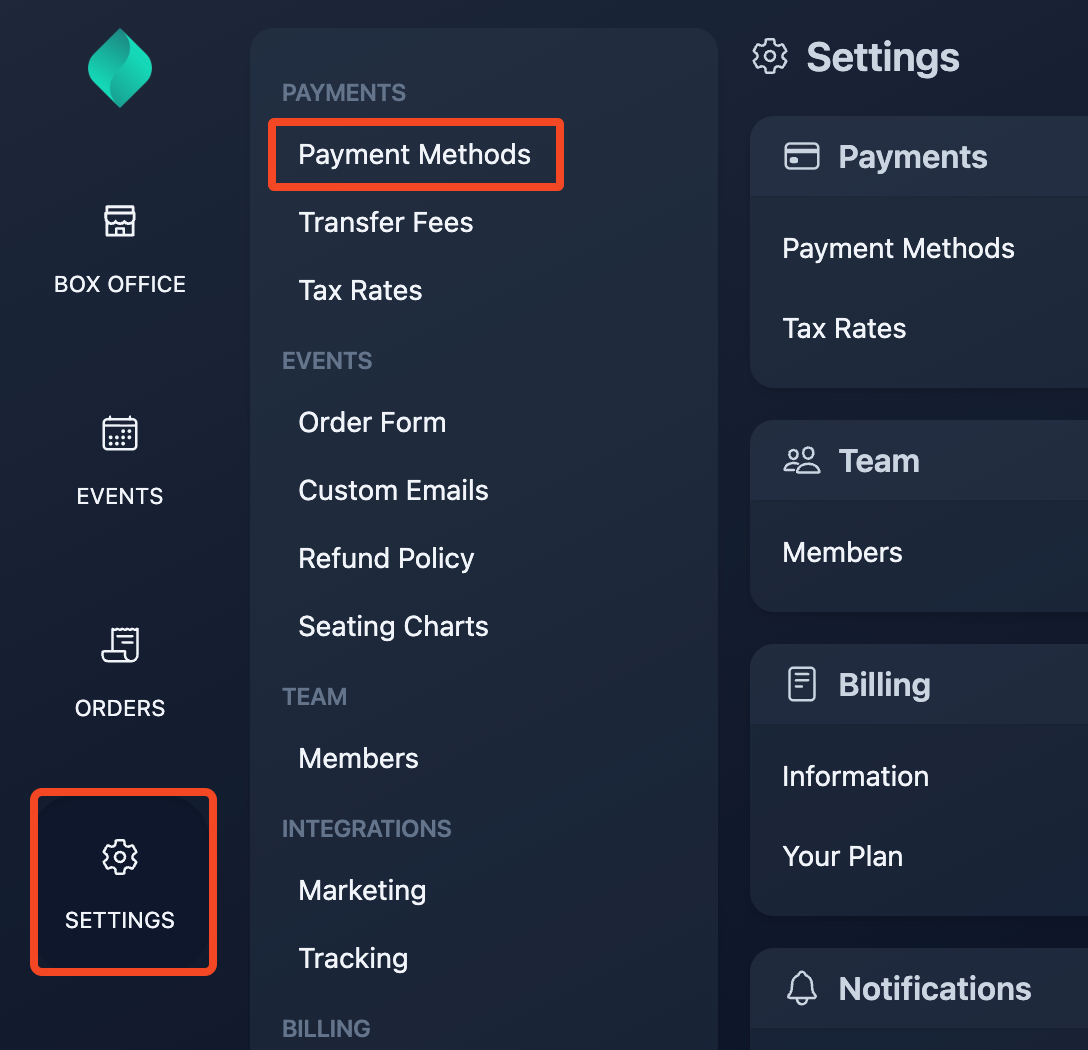
Go to Settings > Payment Methods
Step 2
Click the "enable" button

Cash payments are now active in all your events.

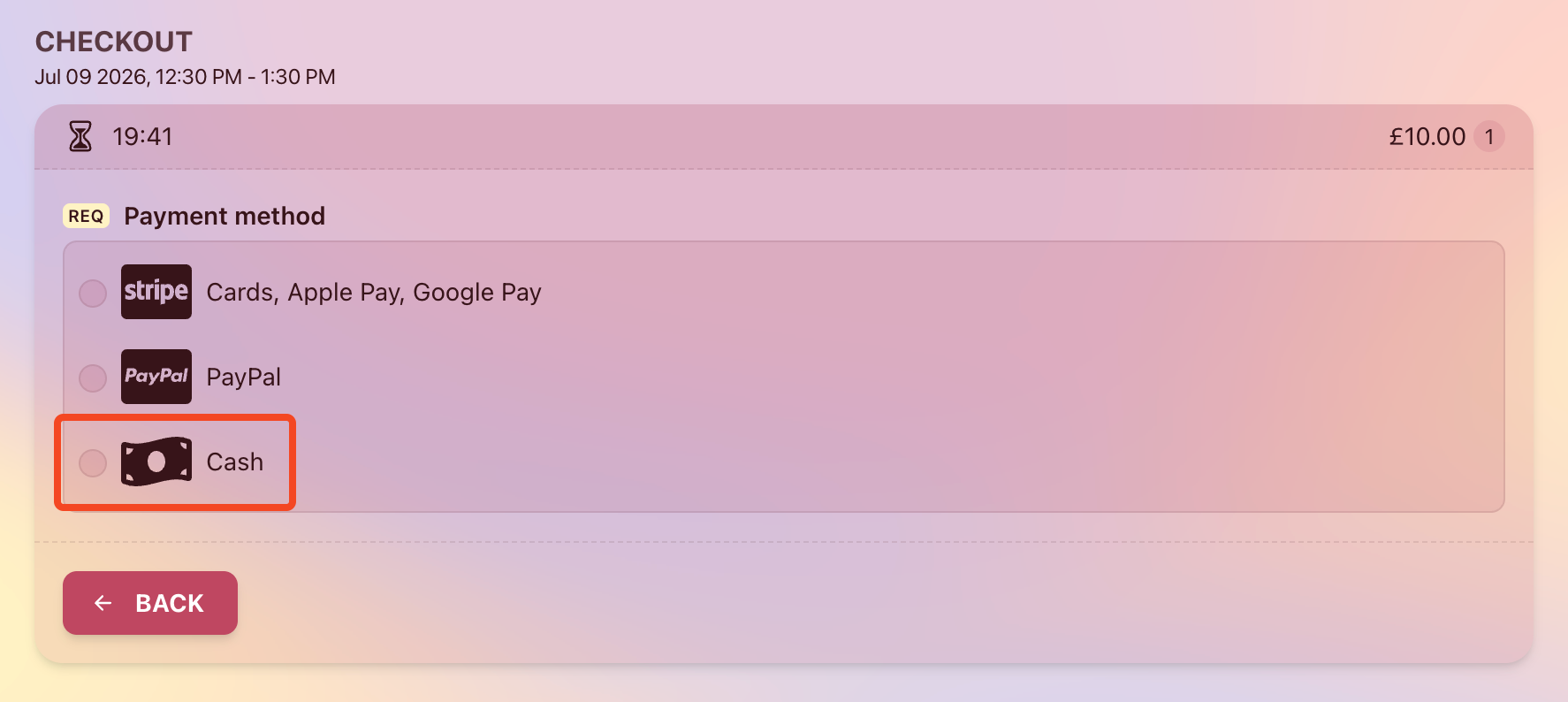
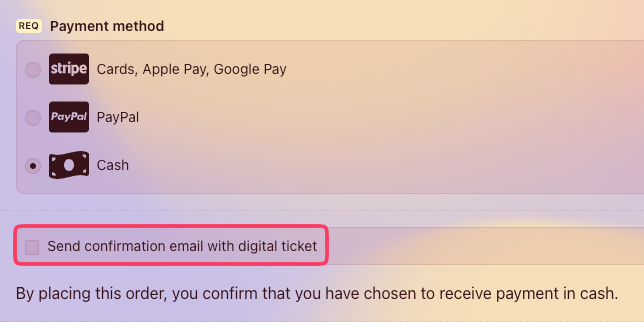
Before placing the order, you can choose whether to send the order confirmation email, including the attached QR code, to the buyer. By default, the confirmation email is not sent.
Notes
- When a cash order is placed, the transaction will appear in your dashboard, and the tickets will be sent to the email address provided in the order form.
- The cash payment method is available only to users who are logged in with one of the following roles: Owner, Admin, Event Manager, Order Manager, Ticket Clerk.
- Ticket buyers cannot place cash orders from their own devices.
- A positive balance of prepaid credits is required to place orders in exchange for cash.