🗑️ How to delete an occurrence of your event series
If one of the occurrences of your event series is no longer going ahead, you can delete it.
How to
Step 1
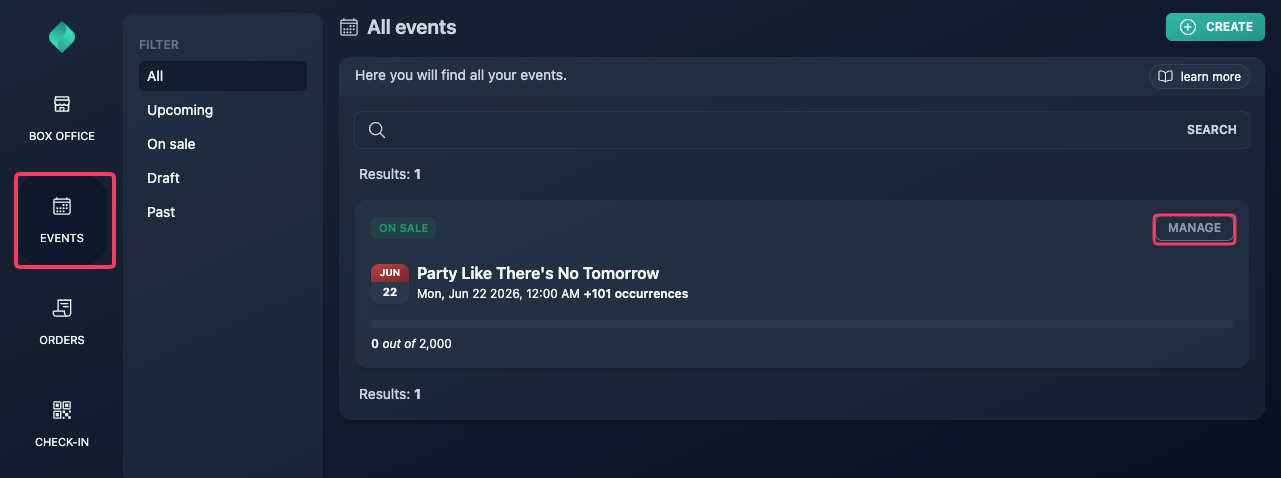
Go to your event overview.
Step 2
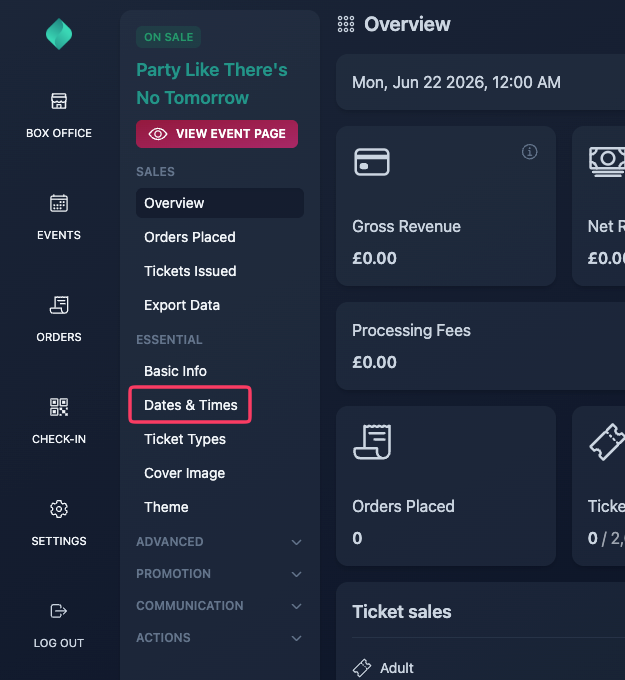
Select "Dates & Times" in the left sidebar.
Step 3
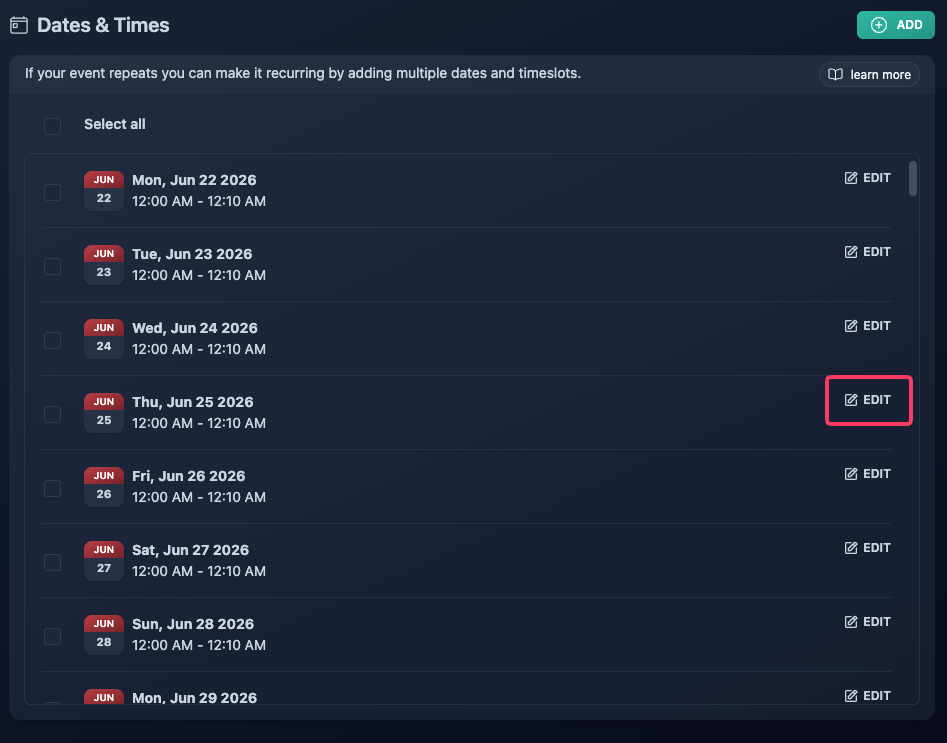
Click the "Edit" button related to the occurrence you want to delete.
Step 4
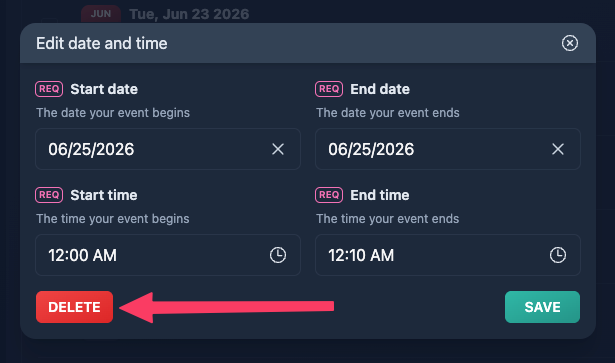
Click "Delete".