🔒 How to create locked add-ons
A locked add-on is a regular add-on that is linked to or contingent upon the selection of a specific ticket type. This concept allows for more complex ticketing structures and pricing models by setting conditions that must be met for certain add-ons to be available.
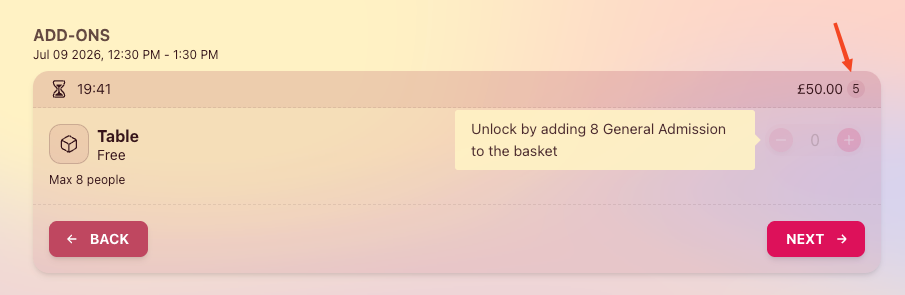
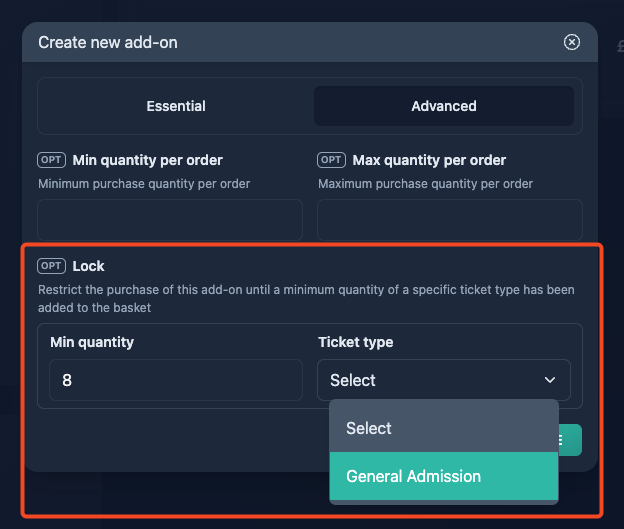
Here's a simple example: your venue has only 10 tables that seat 8 people each, and you'd like to offer them for free. To make sure each table is fully occupied, you can lock the "Table" add-on so it only becomes available once 8 "General Admission" tickets are added to the basket.
How to
Step 1
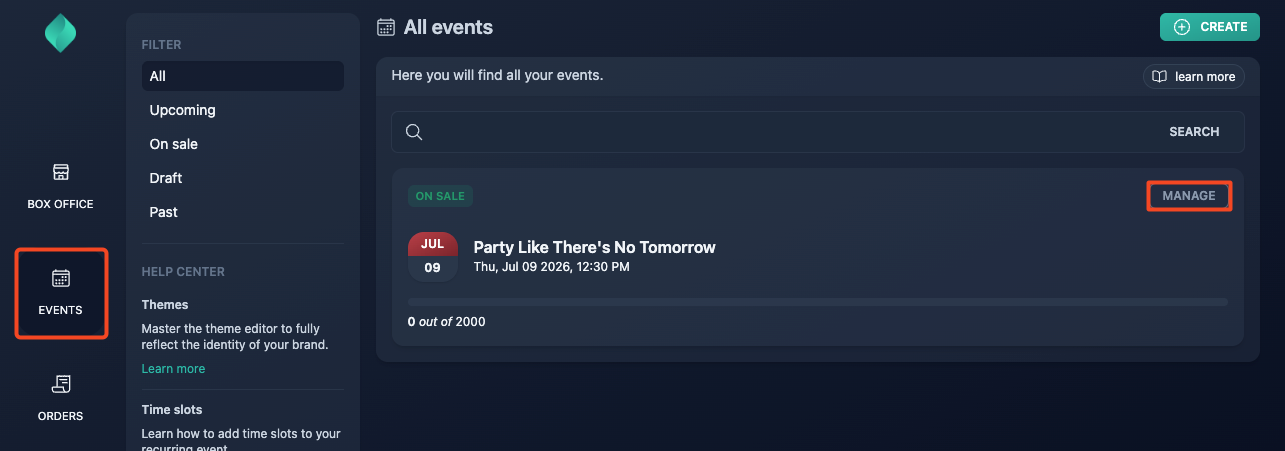
Step 2
Go to Advanced > Add-ons
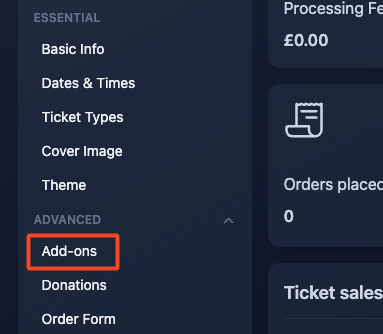
Step 3
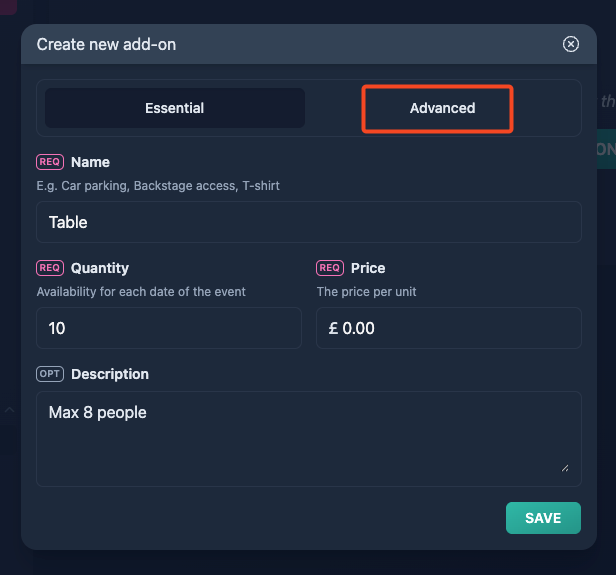
Setup the essential details of your add-on, then click the "Advanced" tab.
Step 4
Setup the essential details of your add-on, then click the "Advanced" tab.
Step 5
Setup the lock, then hit the save button.
Result
If the lock rule isn't met, the ticket buyer will see a message indicating how many tickets are required to unlock the add-on.