👬 How to duplicate an event
If you're creating a similar event, duplicating an existing one can save you time. This feature copies the event's settings and details, allowing you to quickly create a new event and make any necessary adjustments.
How to
Step 1
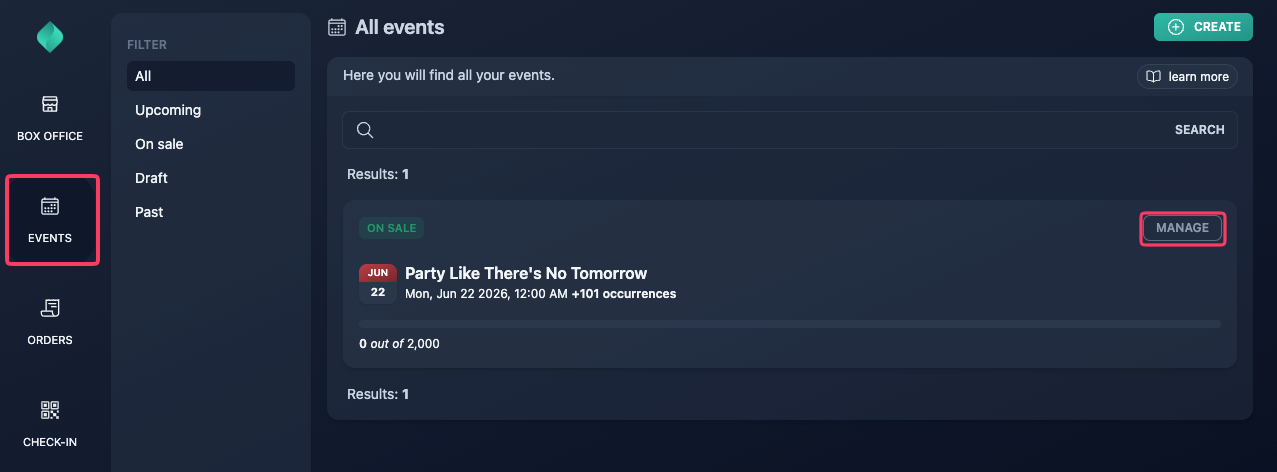
Go to your event overview.
Step 2
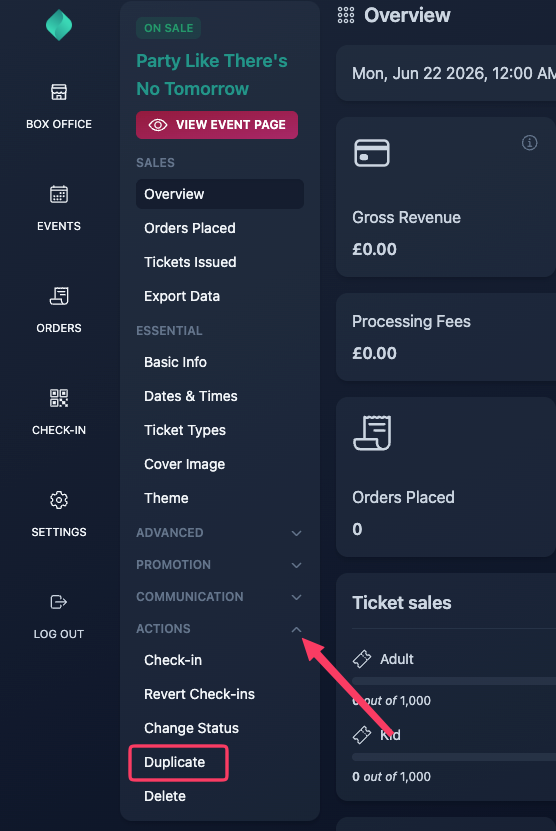
Expand the "Actions" menu, then select "Duplicate".
Step 3
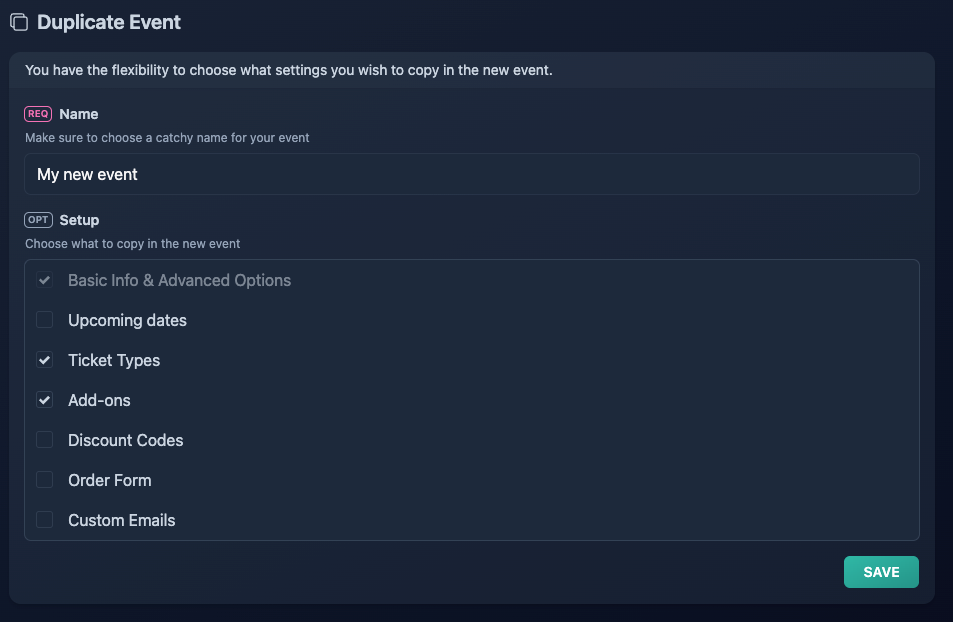
Choose a name for your new event, select what you want to copy, then click "Save".