
🗑️ How to delete an event
Deleting an event is not something you'll typically need to do. In most cases, events are simply updated, unpublished, or canceled. However, if you've created a test event and no longer need it, you can permanently delete it by following the steps below.
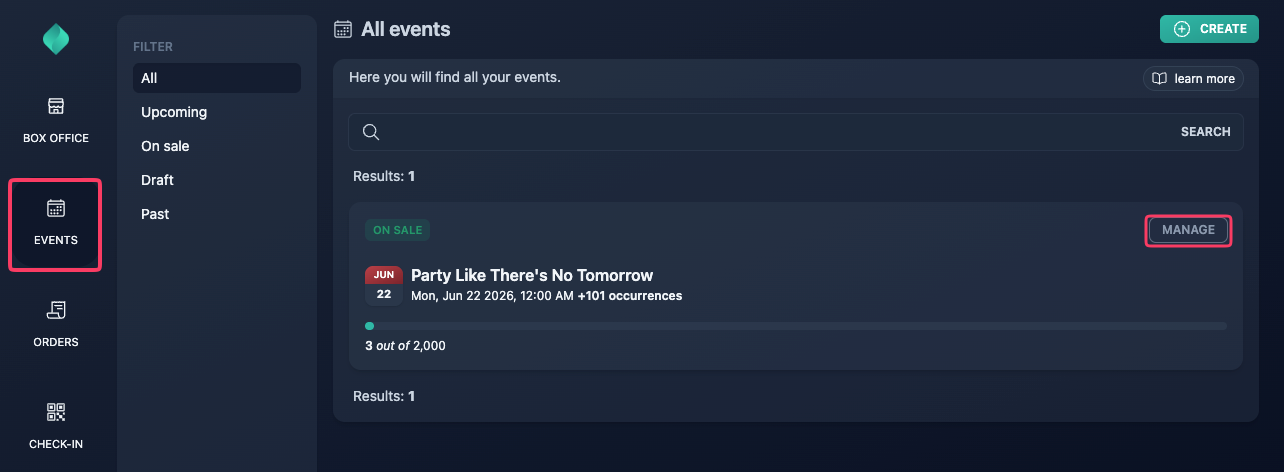
Step 1
Go to your event overview.
Step 2
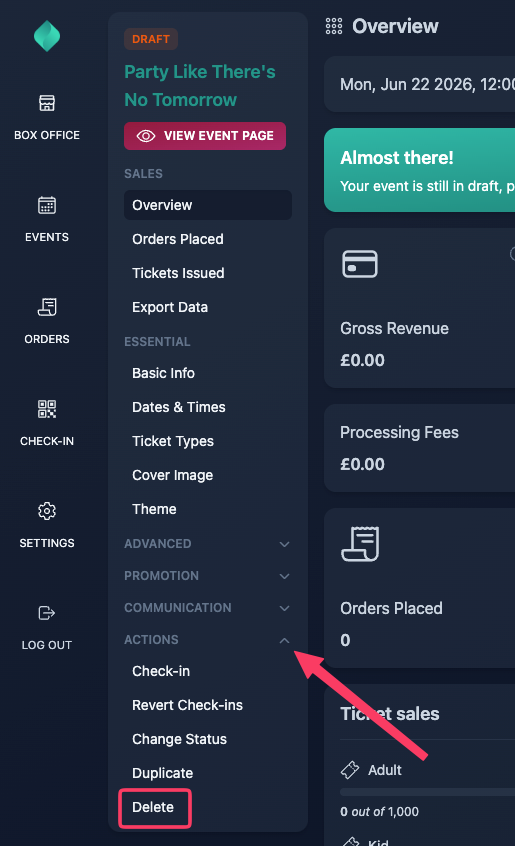
Expand the "Actions" menu, then select "Delete".
Step 3
Click the "Delete" button.

Before you can delete an event, it must be in "Draft" status and all associated orders must have been cancelled or refunded.