✉️ Laylo
Laylo is a fan engagement platform that helps creators, artists, and event organizers grow and activate their audience through personalized messaging, presaves, waitlists, and event reminders. With audience insights, automated campaigns, and direct fan communication, Laylo enables users to build stronger relationships and increase attendance and engagement.
What information is sent to Laylo?
Every time an order is completed, the buyer is automatically added as a new subscriber to your Laylo fanbase (list).
The subscriber is created using the email address provided by the buyer during the Tixtree checkout process.
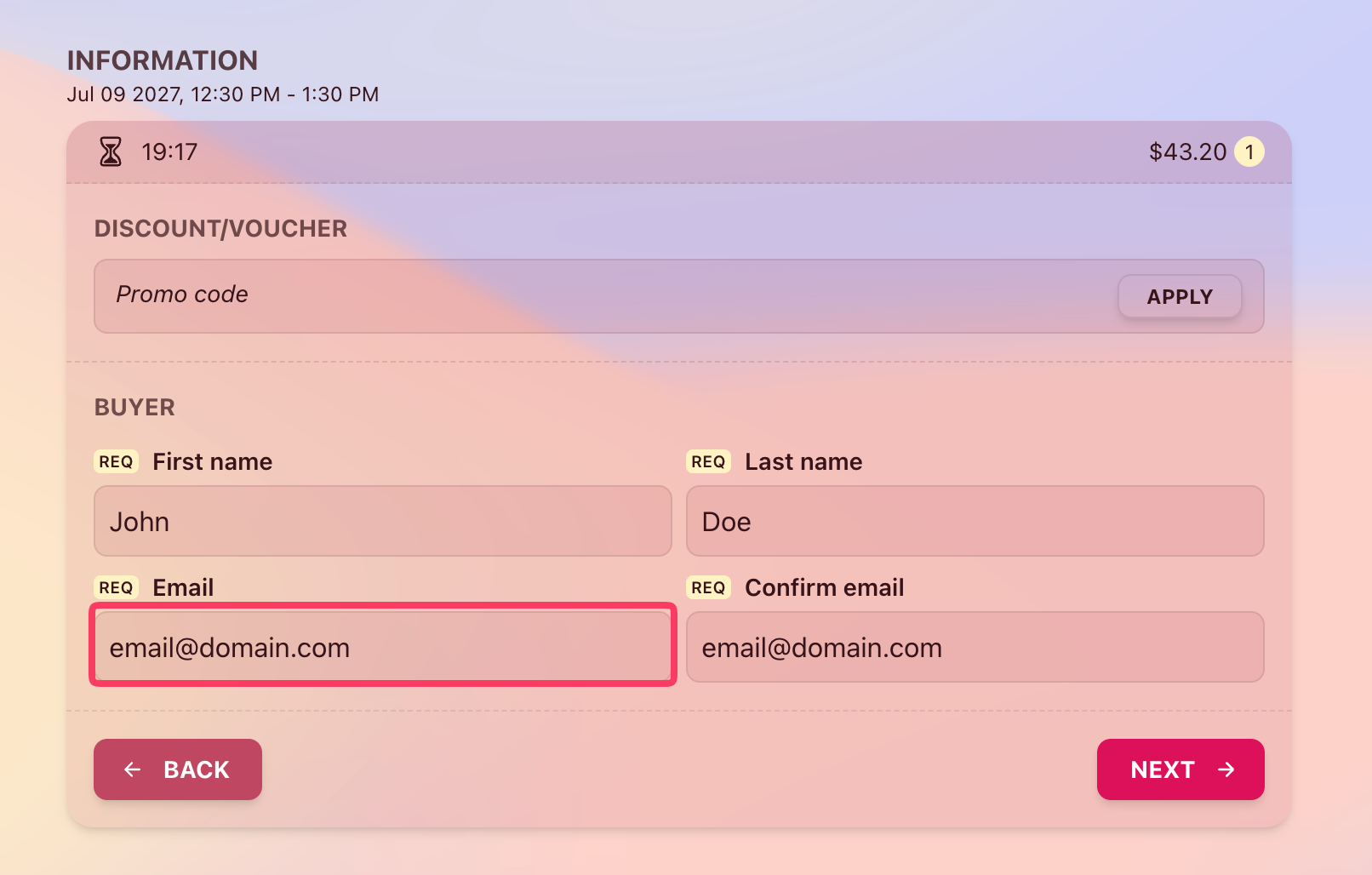
Please note that only the buyer’s email address is synced with Laylo. Email addresses provided for attendees are not sent.
Prerequisites
Create a new API key
To integrate Tixtree with Laylo, first create a new API key in Laylo.
Go to Settings > Integrations
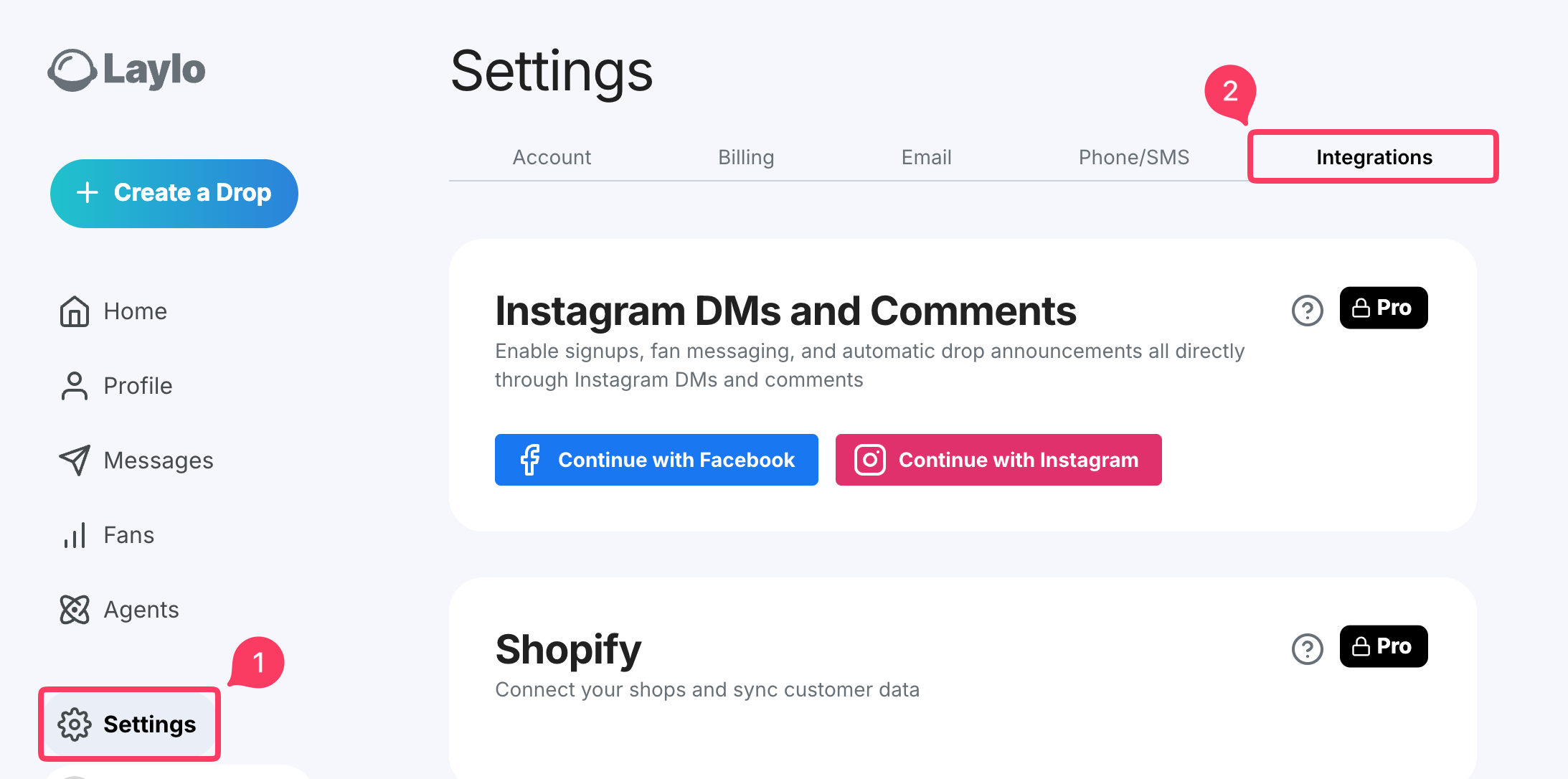
Scroll down to the API Keyring section
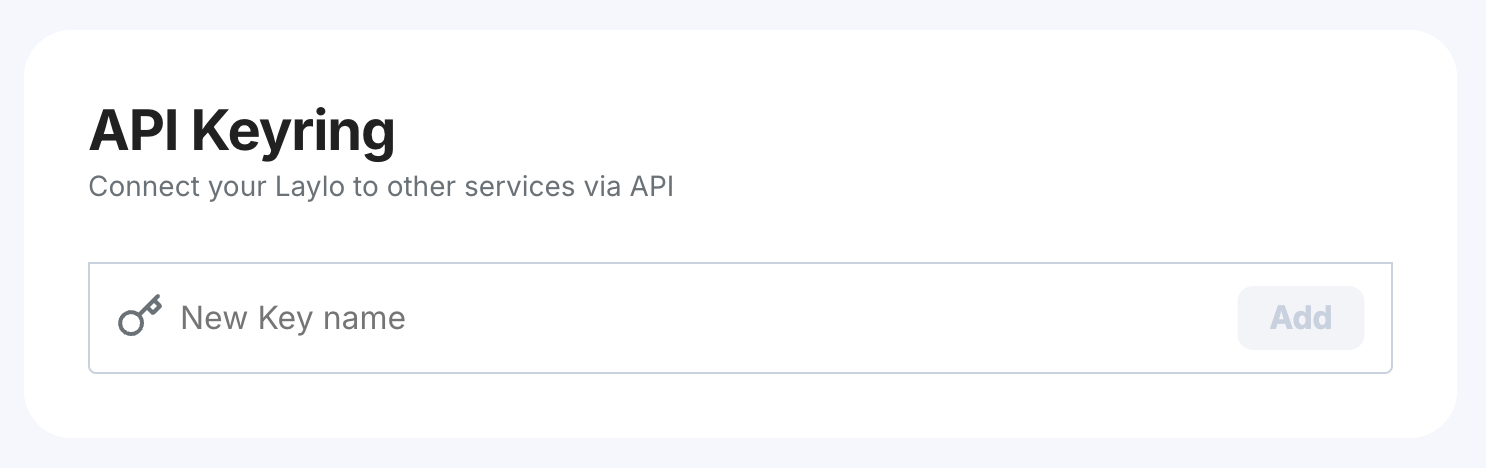
Use "Tixtree" as the key name so it’s easy to identify its purpose later, then click "Add".
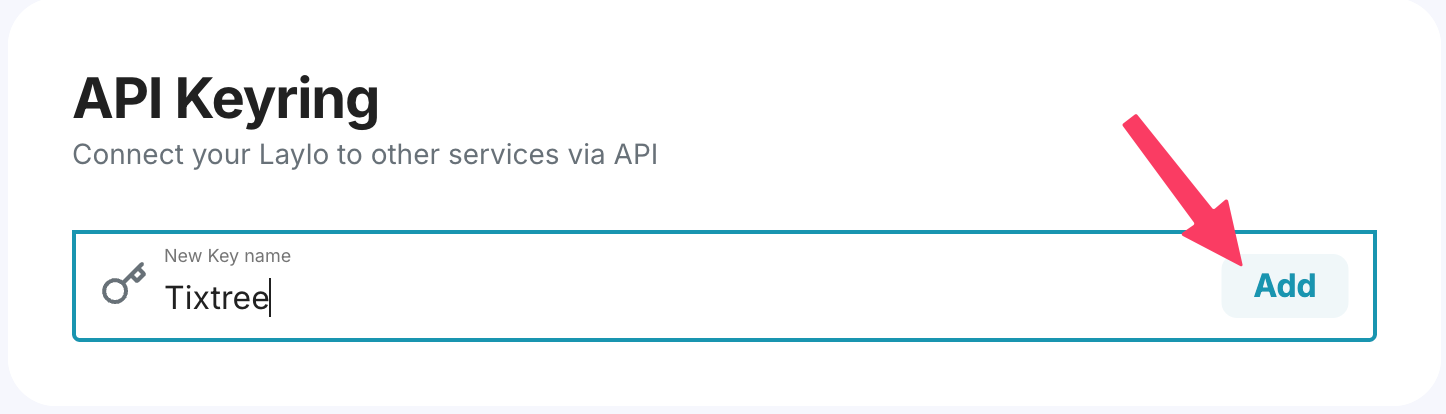
To follow best practices, create a dedicated API key for this integration rather than reusing an existing one.
Copy the key from the modal and get ready to paste it into Tixtree.
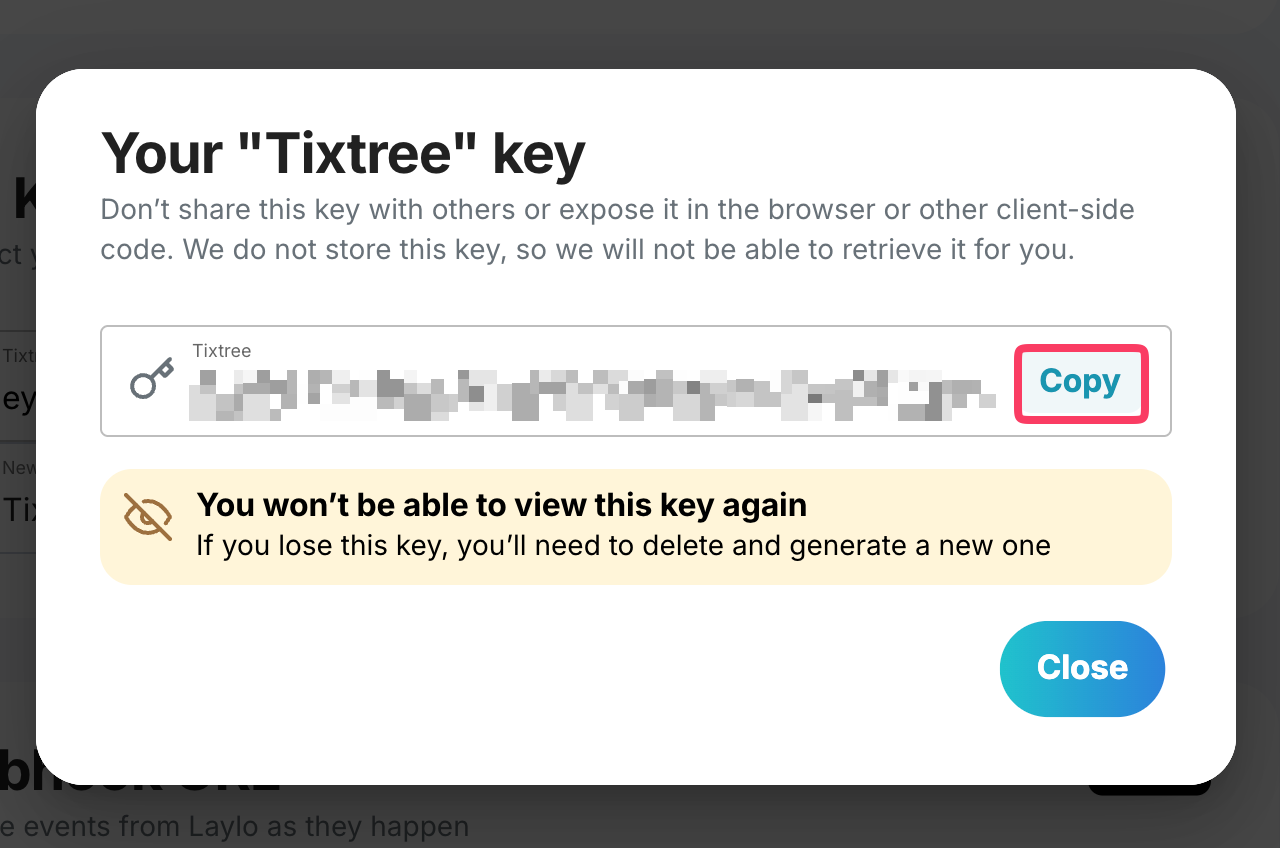
Connect to Tixtree
Now you just need to paste the API key in your Tixtree account.
Go to Settings > Integrations > Marketing, paste the generated token, then click "Connect".
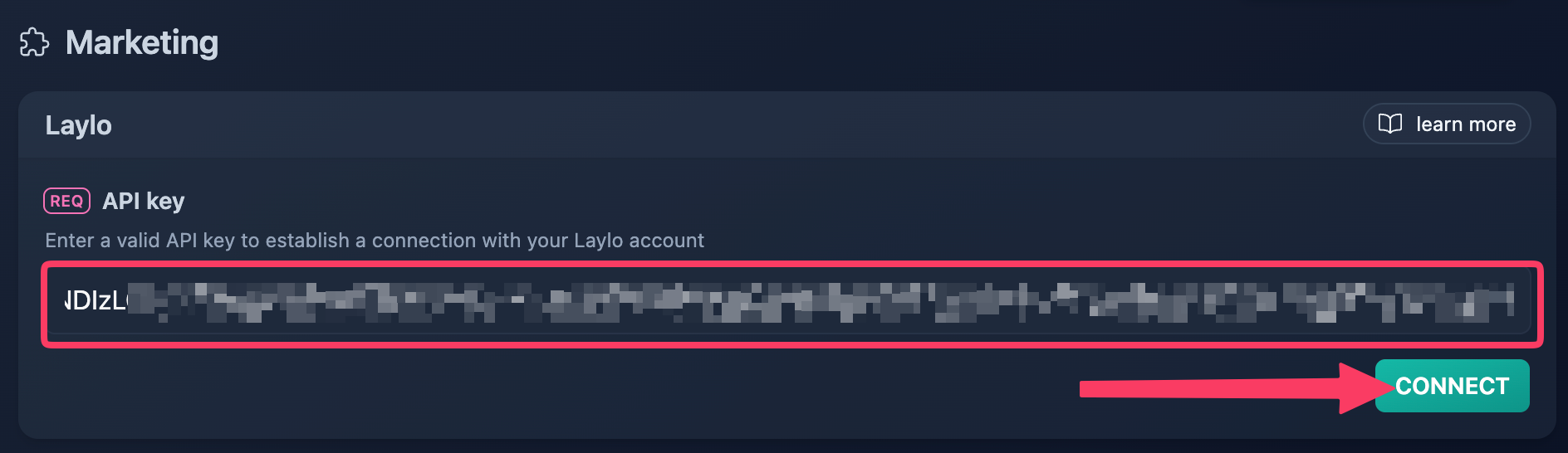
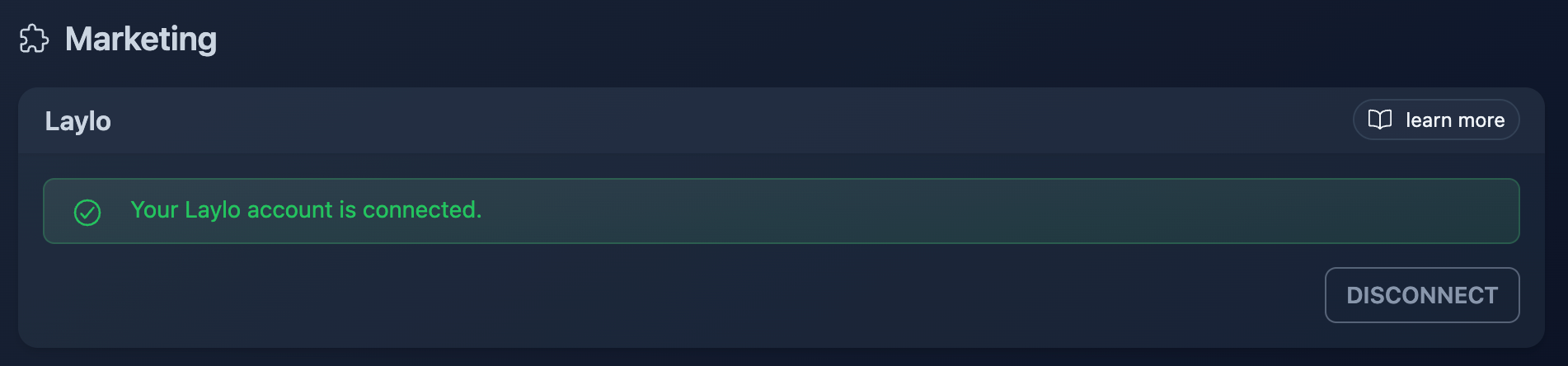
Well done! Tixtree is now connected to your Laylo account and will start adding subscribers to your fanbase.